Duor Radio
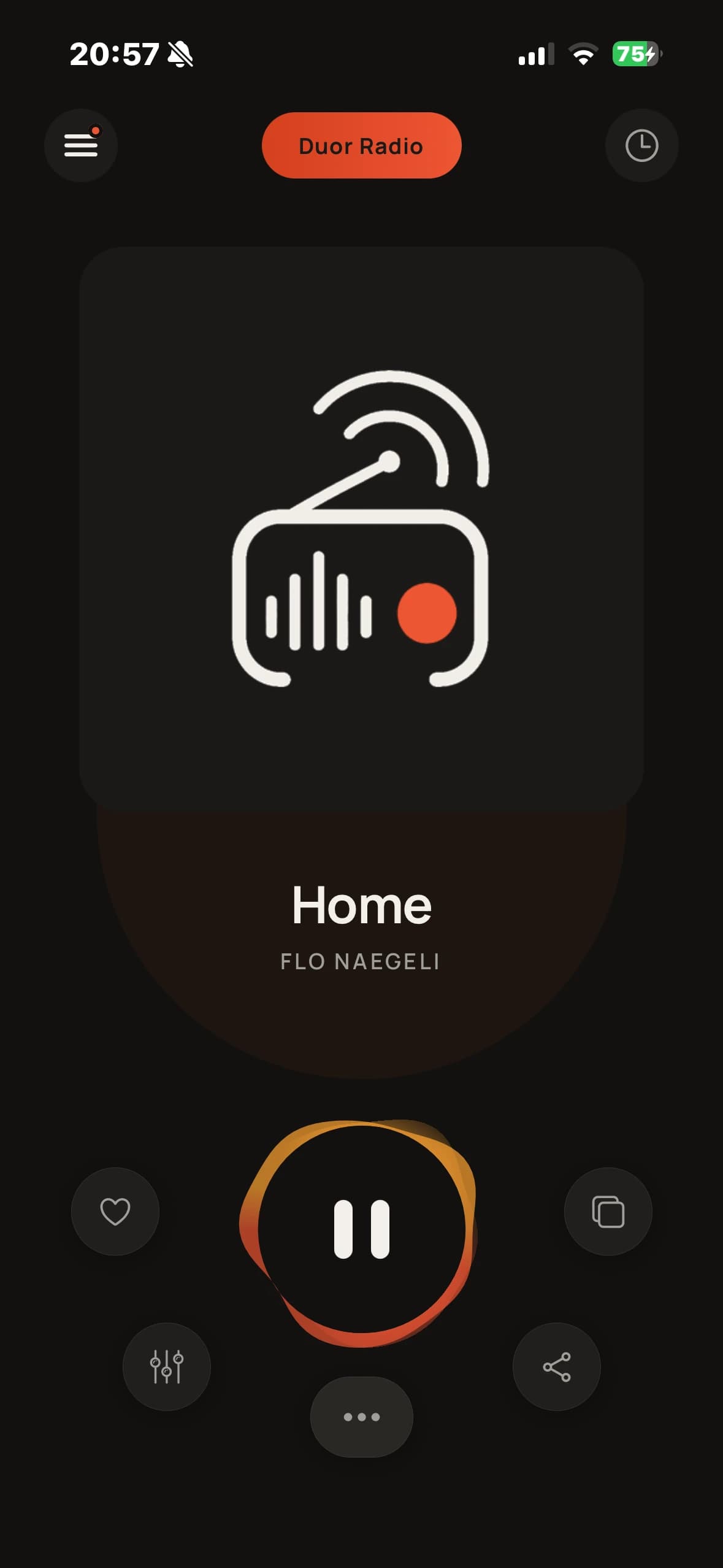
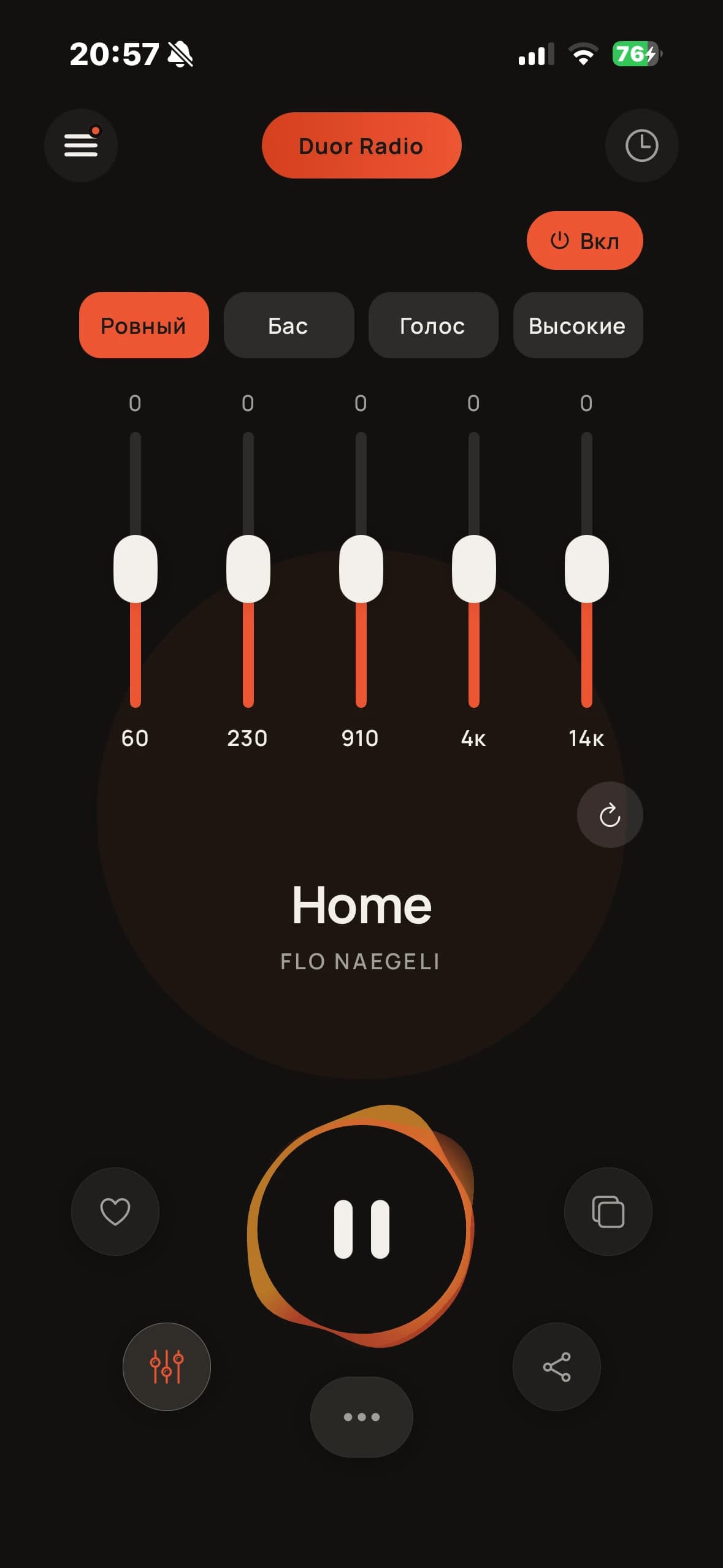
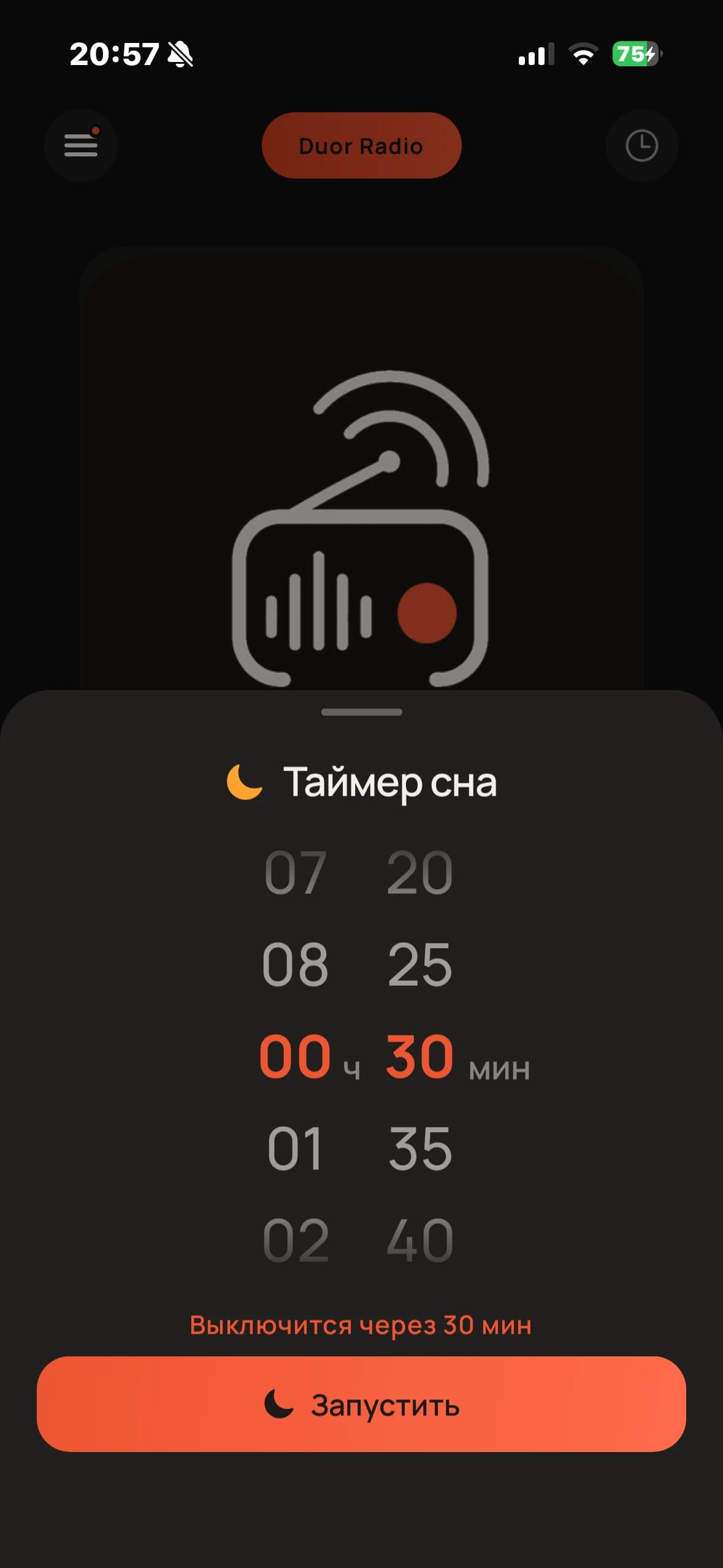
A radio player for iOS and Android: point it at a stream URL and it plays, with a five-band equalizer, a sleep timer on the Lock Screen, and a downloaded playlist that takes over the moment the stream drops.
Duor Radio plays an internet station from a stream URL, and keeps playing when that URL stops answering. A downloaded backup playlist takes over on a dropout and hands back when the live stream returns, so a listener hears music rather than silence and an error.
Recovery is the part that took the work. The audio engine fails asynchronously: both adding a track and starting playback resolve happily for a stream that cannot be reached, and the failure turns up later as a separate event. So retries are counted in one bounded loop that runs alone, respects a deliberate pause, walks the whole backup playlist instead of hammering one broken file, and eventually gives up and says why in words rather than in console noise.
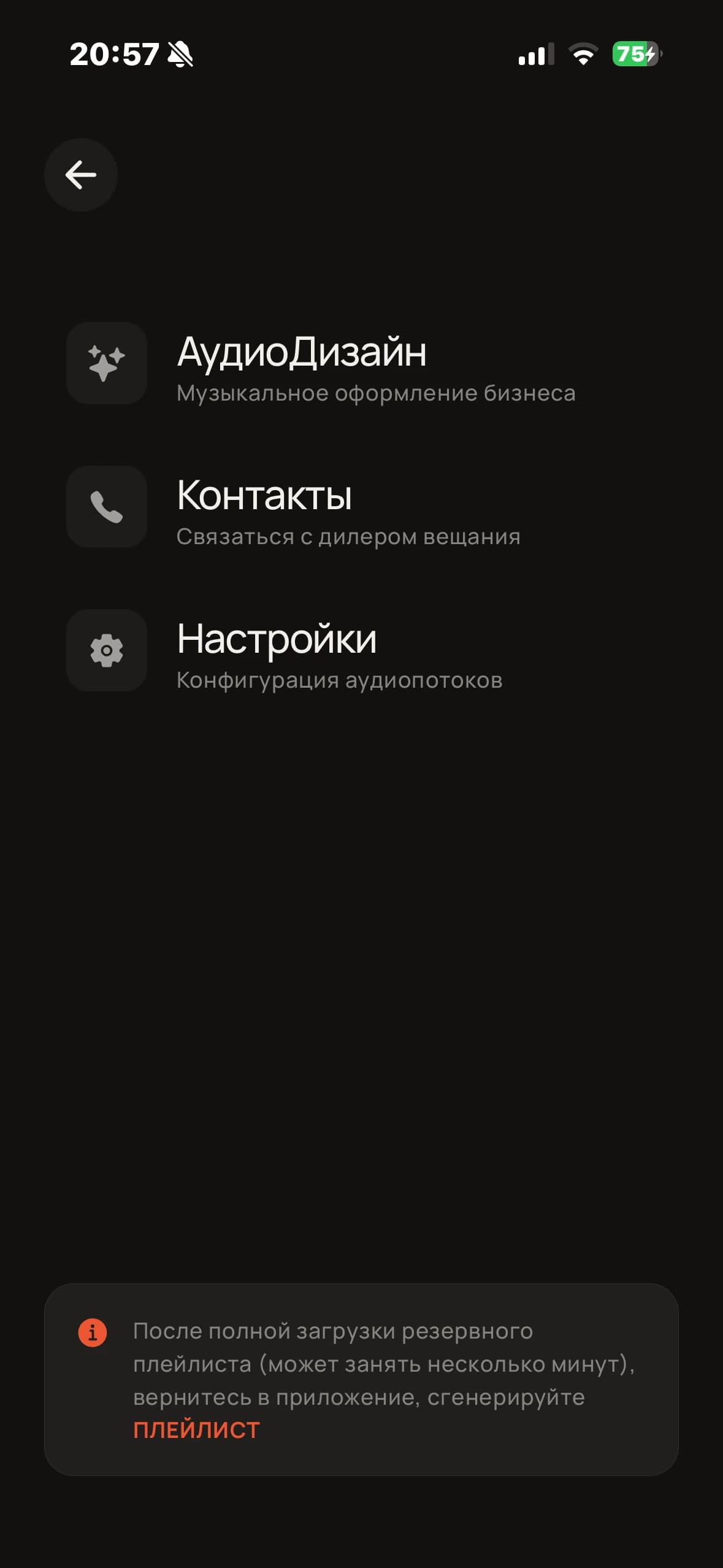
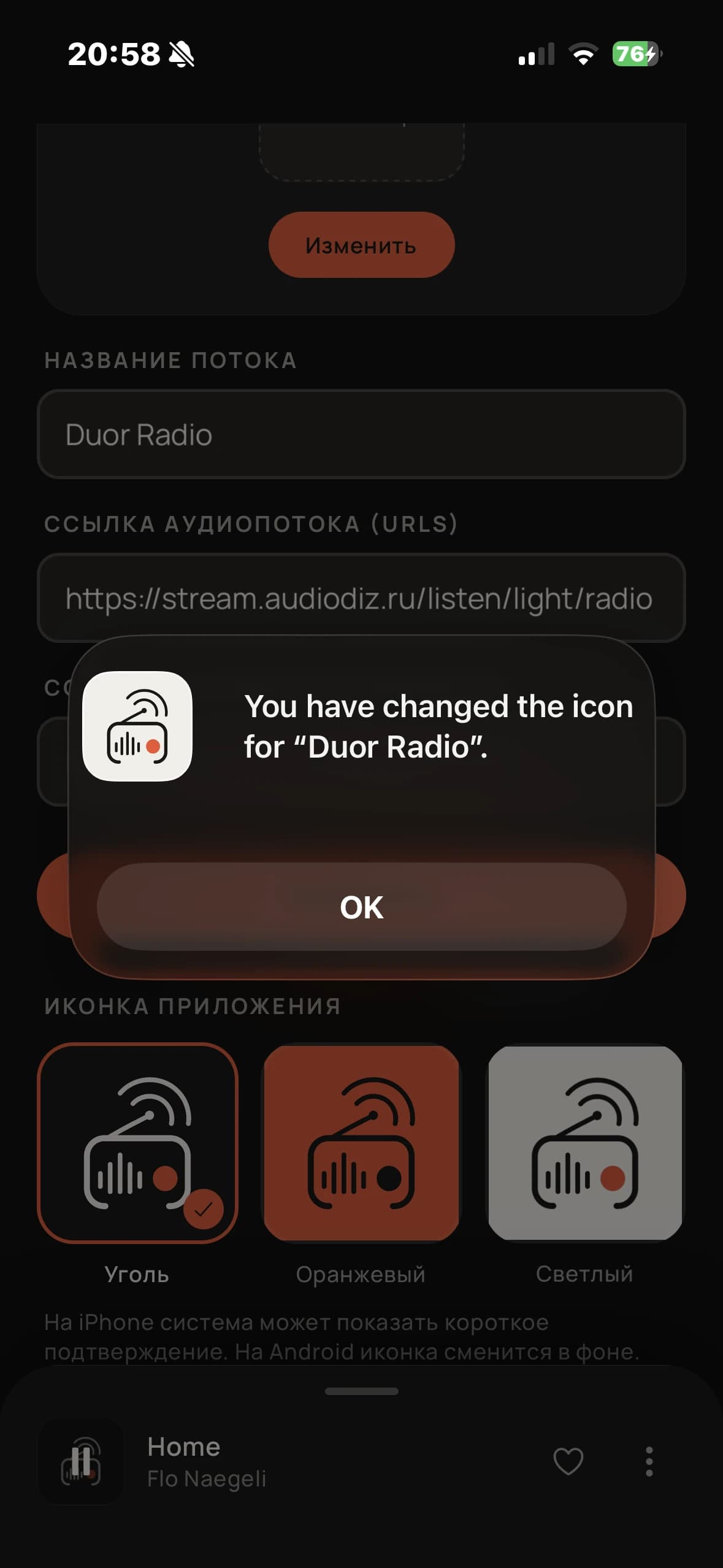
Around the player sits the rest of what a station needs: a five-band equalizer written as a native audio module, a sleep timer that keeps counting on the Lock Screen through a Live Activity, cover art resolved through the backend when the stream will not supply it, and a settings screen where the station URL and the home-screen icon are both the listener’s to change. The Django backend serves the stations, the station’s own pages and enquiry forms, and proxies protected streams behind short-lived signed tokens so the real URL never reaches the device.
Write to us
Two sentences about what you’re building is enough. We come back with questions, a rough estimate and the earliest start date.
- hi@duor.digital
- Telegram
- @duordigital
- Prefer a call?
- Say so in the message and we send a booking link. Replies within one business day.